Getting started
How to Play Retro Manager Online
Retro Manager is a free football manager game online: you run a club, pick tactics, buy and sell players, and play out seasons in your browser. This page walks through the first hours so you can go from the landing screen to a competitive side without hunting every menu.
1. Start your career
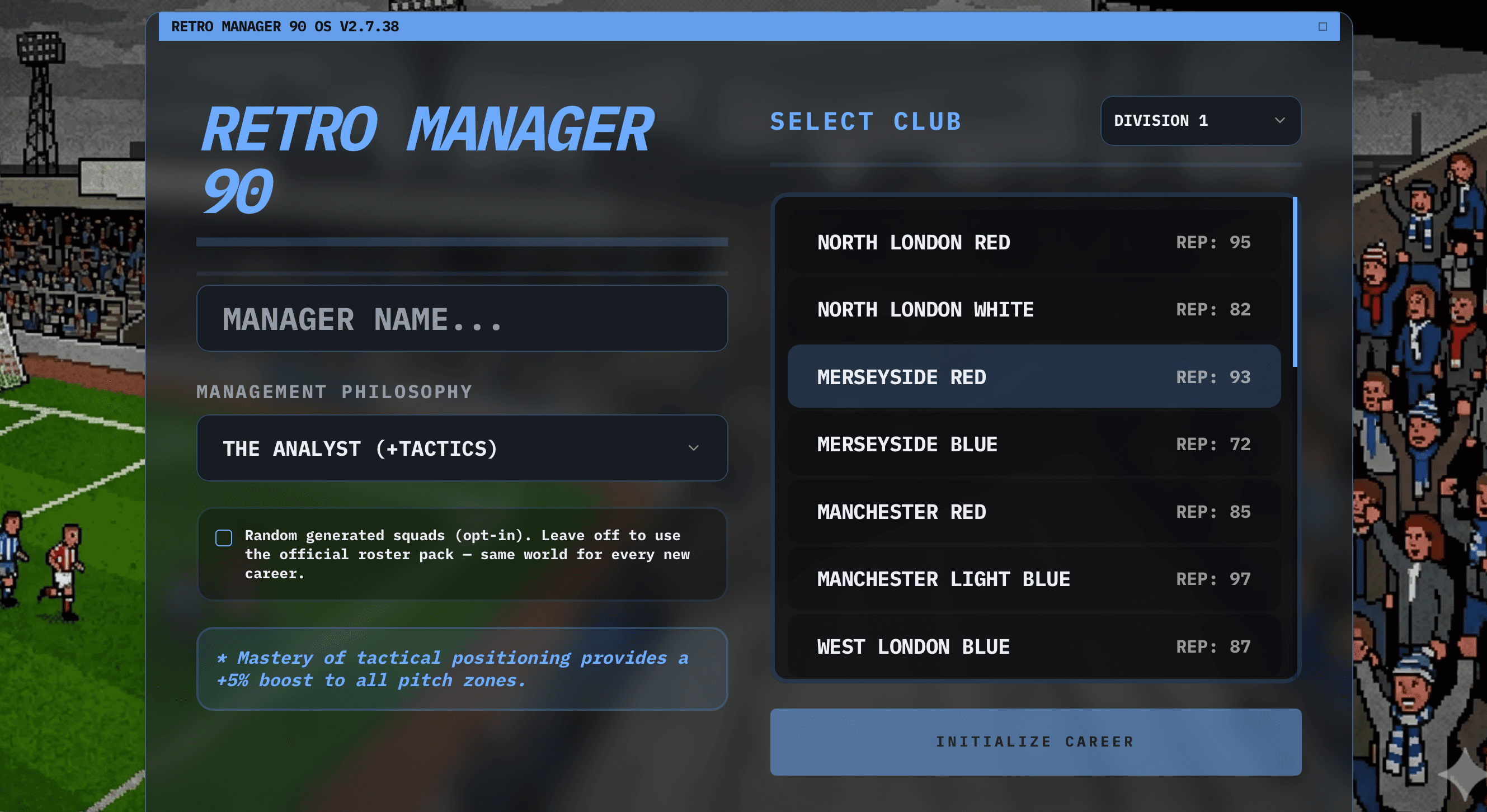
From the home page, choose Play Game and create or continue a save. You will pick (or inherit) a club in a multi-division pyramid — your job is league position, cups, and finances over many seasons. The interface is built for both mouse and touch, so you can treat it as a soccer manager browser game on desktop or tablet.
If you want narrative context first, read About Retro Manager for pillars like the match engine, staff, and economy.
2. Learn the match flow
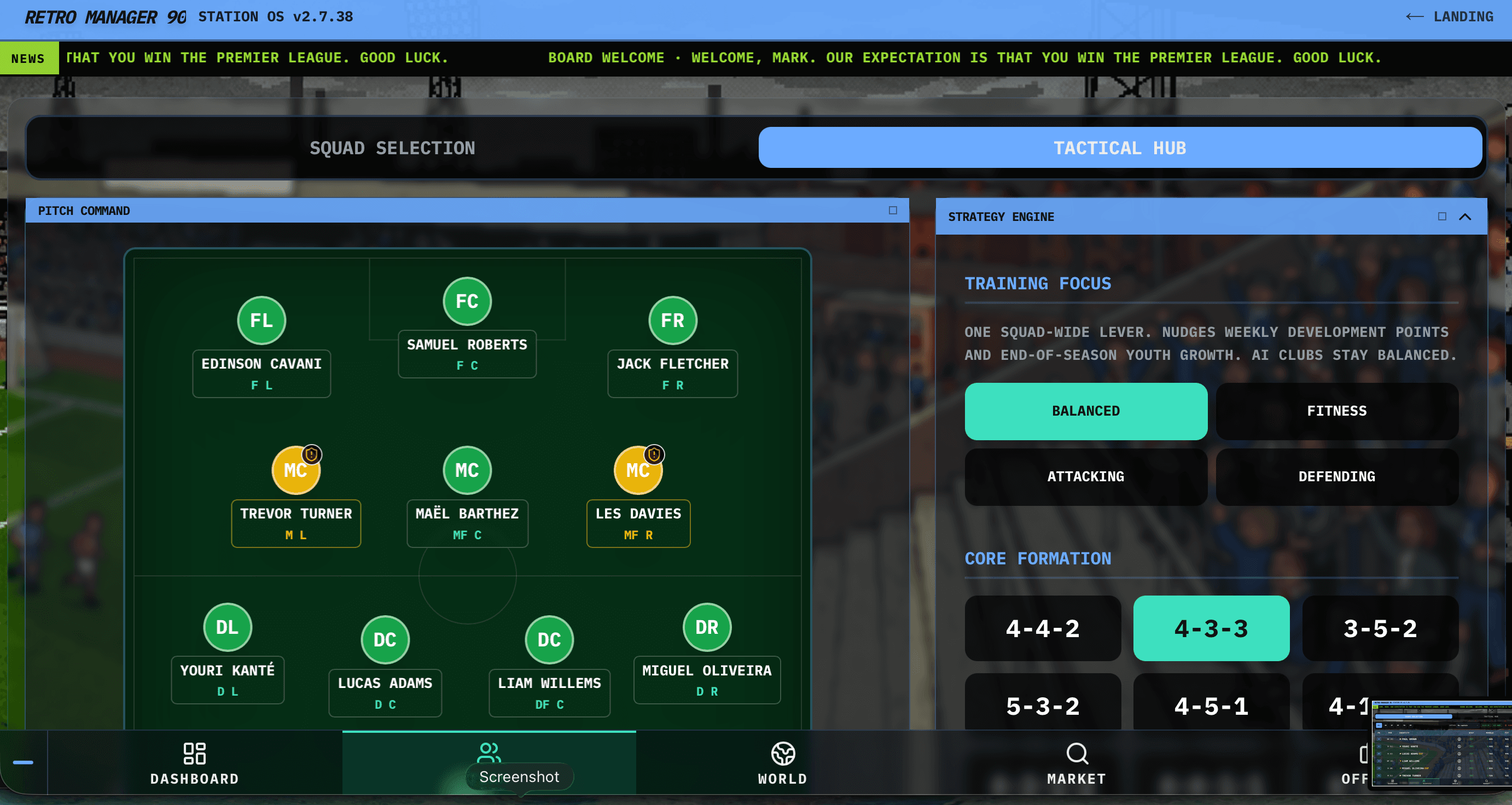
Matches run minute-by-minute with commentary. Before kickoff, set formation, team style, and roles. During the game you can change shape, tweak risk, and make substitutions when legs tire or the scoreline demands it. Half-time team talks nudge how aggressively you chase or protect a lead in the second half.
The in-depth game guide expands on momentum, weather, and cards. For a dedicated SEO article on setups, see best tactics for Retro Manager.
3. Squad building and transfers
Between fixtures, use scouting and shortlists to find targets, then negotiate in transfer windows. Balance wages, fees, and squad size — injuries and suspensions will test your depth. Staff (coach, physio, scout) improve development and recovery; the assistant surfaces suggestions so you are not tab-hunting every week.
The shipped systems are listed in the features page (transfers, academy, stadium upgrades, achievements).
4. No download, optional install
Everything runs as a browser football manager: no installer, no platform lock-in. On mobile or desktop you can add the PWA for a full-screen shortcut while still using the same save.
Wondering how that compares to heavyweight PC sims? See retro football manager vs modern games.
See the UI before you play
Two quick grabs from the current build — the same screens you will see after you hit Play Game.
Quick FAQ
How do I start a save?
From the home page choose Play Game, pick New career (or continue), choose a club, then complete your starting XI before the first fixture.
What is a good first club?
Mid-table sides with a balanced budget teach systems without instant relegation pressure. Avoid the lowest division until you know the youth and scouting loop.
How do transfers work?
Summer and winter windows open bidding; scout first on expensive targets. Deadline weeks are noisy — read the in-game Market banner before advancing if you still have open bids.
Where is my save kept?
In-browser storage (localStorage / IndexedDB). Use Save Career from the shell and avoid clearing site data if you care about the file.